01 / CREATE
Your question. Their moment.
Choose 2 to 6 answer options, set a countdown, and launch a poll while you teach.
Ready when you are◷ 00:30
Let’s put that idea to the test.
AFirst option
BThe correct answer✓
CThird option
DFourth option
Live learning, made interactive
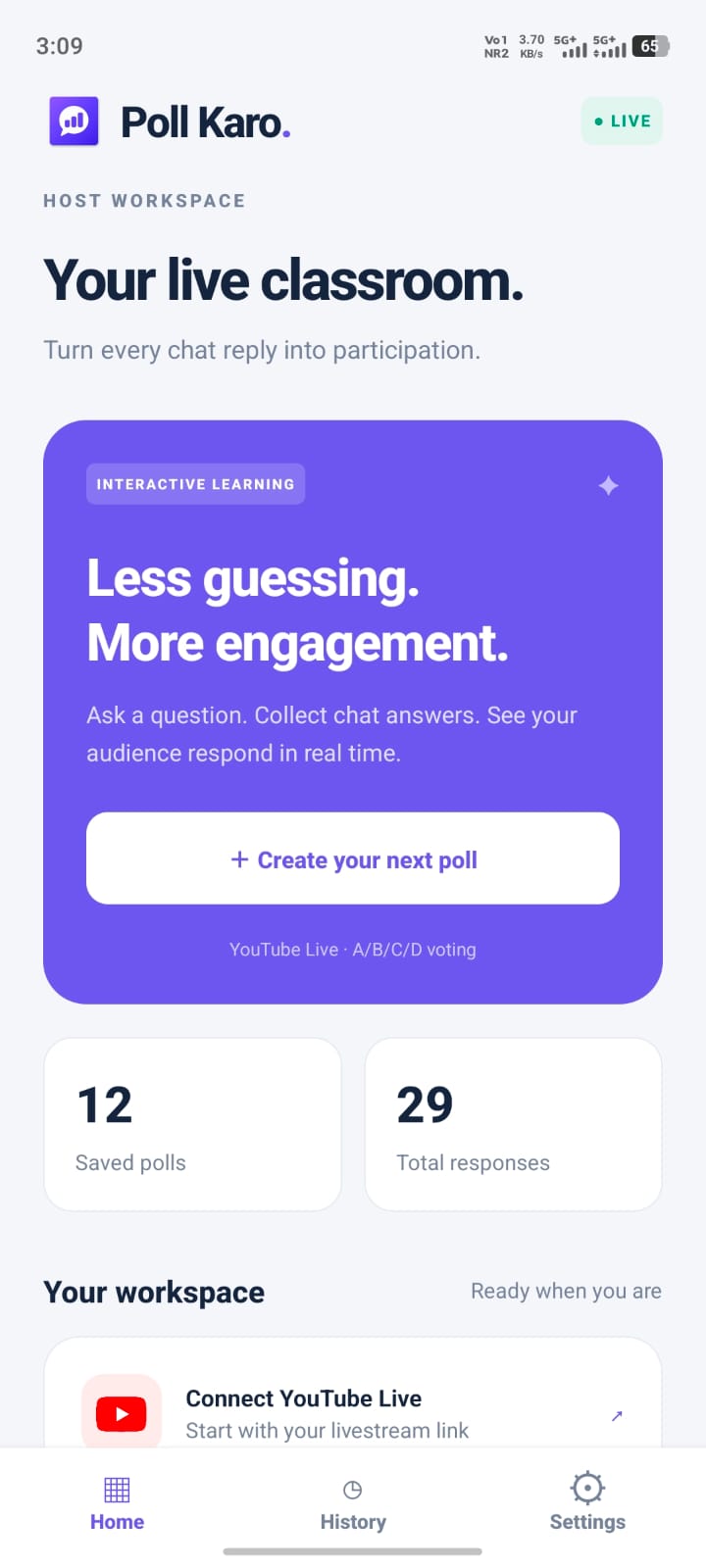
Connect your YouTube Live session, ask a question, and see what your audience understood. All in real time.
No registration required · Made for Android
answered correctly
The product
Bring questions, live responses and clear results into your teaching flow. Keep your audience right where they are.
Choose 2 to 6 answer options, set a countdown, and launch a poll while you teach.
Viewers reply in YouTube Live chat. Poll Karo automatically counts eligible responses.
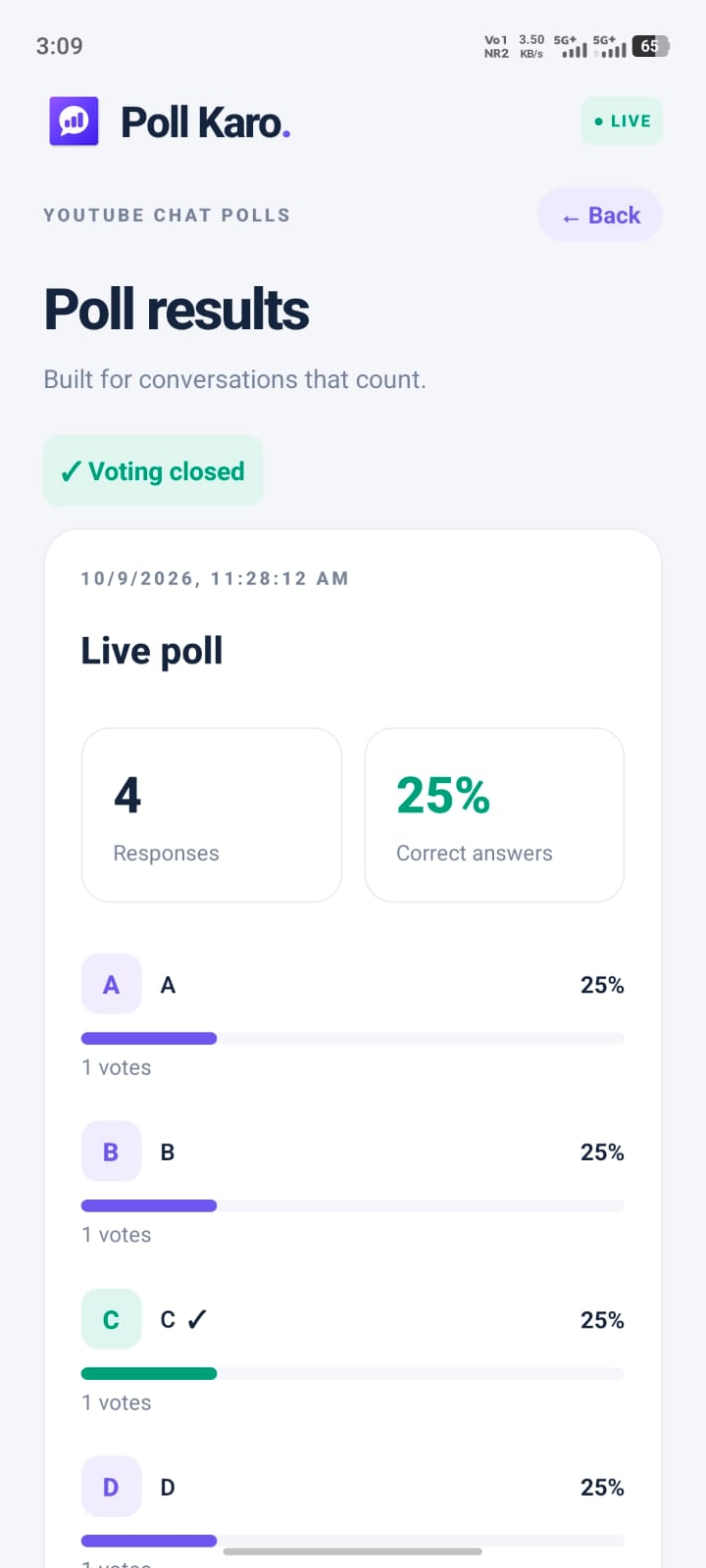
See vote counts, percentages and graphical results. Reveal the answer when voting ends.
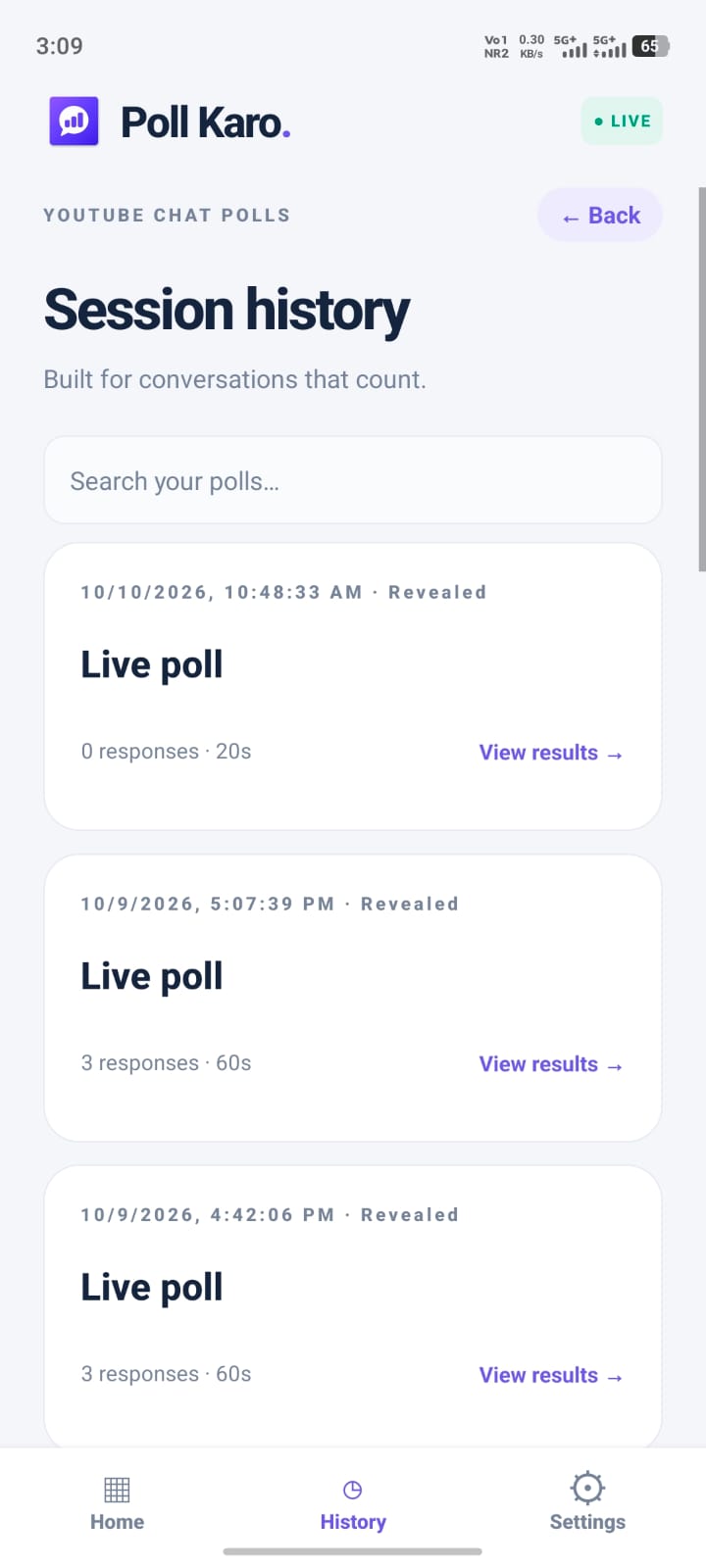
Return to previous polls, vote counts and available results in your poll history.
A simpler way to teach live
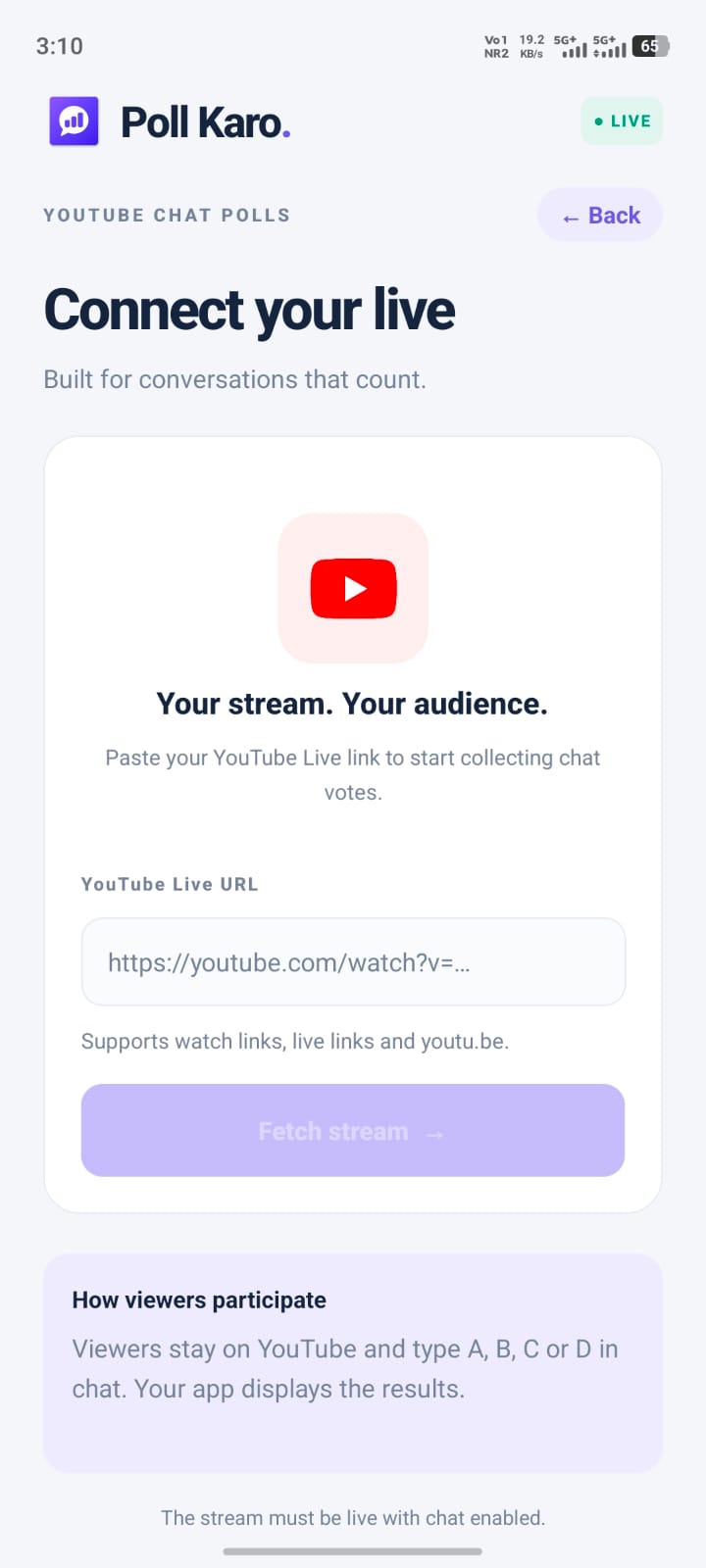
Connect your supported live stream and create your first poll.
Set a voting duration that works for your question and your class.
Use the optional floating panel over other Android apps.
Open the app and get going. No registration required.
Real-time insight
Go beyond a quiet chat window. See how your audience answers, reveal the correct option, and make room for the explanation that matters.
Take a look inside the app ↗ Poll Karo.by App Spark✓ Voting closed
ILLUSTRATIVE RESULTS · YOUR CLASS, MORE CLEARLY
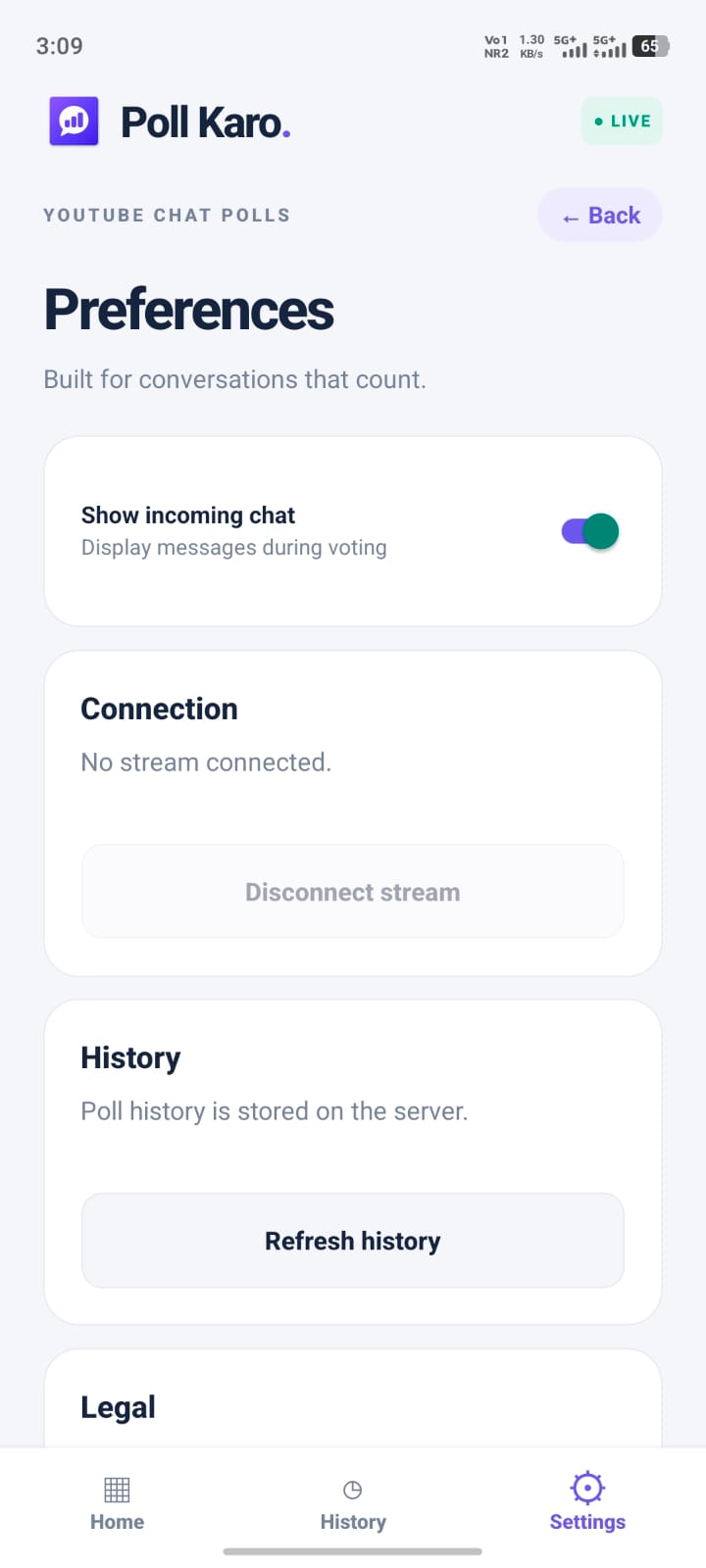
A closer look
Real screens from the Poll Karo Android app.
A little clarity
Everything you need before your first interactive live class.
Yes. Poll Karo uses YouTube API Services to process eligible live-chat voting responses. You need an active YouTube live stream with accessible live chat and an internet connection.
Viewers participate directly in the supported live chat by typing their answer, such as A, B, C or D. The host uses Poll Karo to manage the poll and see results.
Create multiple-choice polls with 2 to 6 answer options. Set a voting duration, collect responses, then reveal the correct answer and review voting accuracy.
No registration is required to use Poll Karo. Download the Android app and connect your supported live stream to get started.
Yes. The optional floating poll panel lets you manage polls over other Android applications. You will need to enable the relevant Android permission.
For questions or support, email contact@mehitechai.com. You can also find the current app information and availability on Google Play.
Make every answer count
Your next question could be the start of something good.
Download for Android↗